Trusted by students & professionals at
Audeus Text to Speech for Canva
How To Add Text To Speech To Canva Videos (Step-by-step)
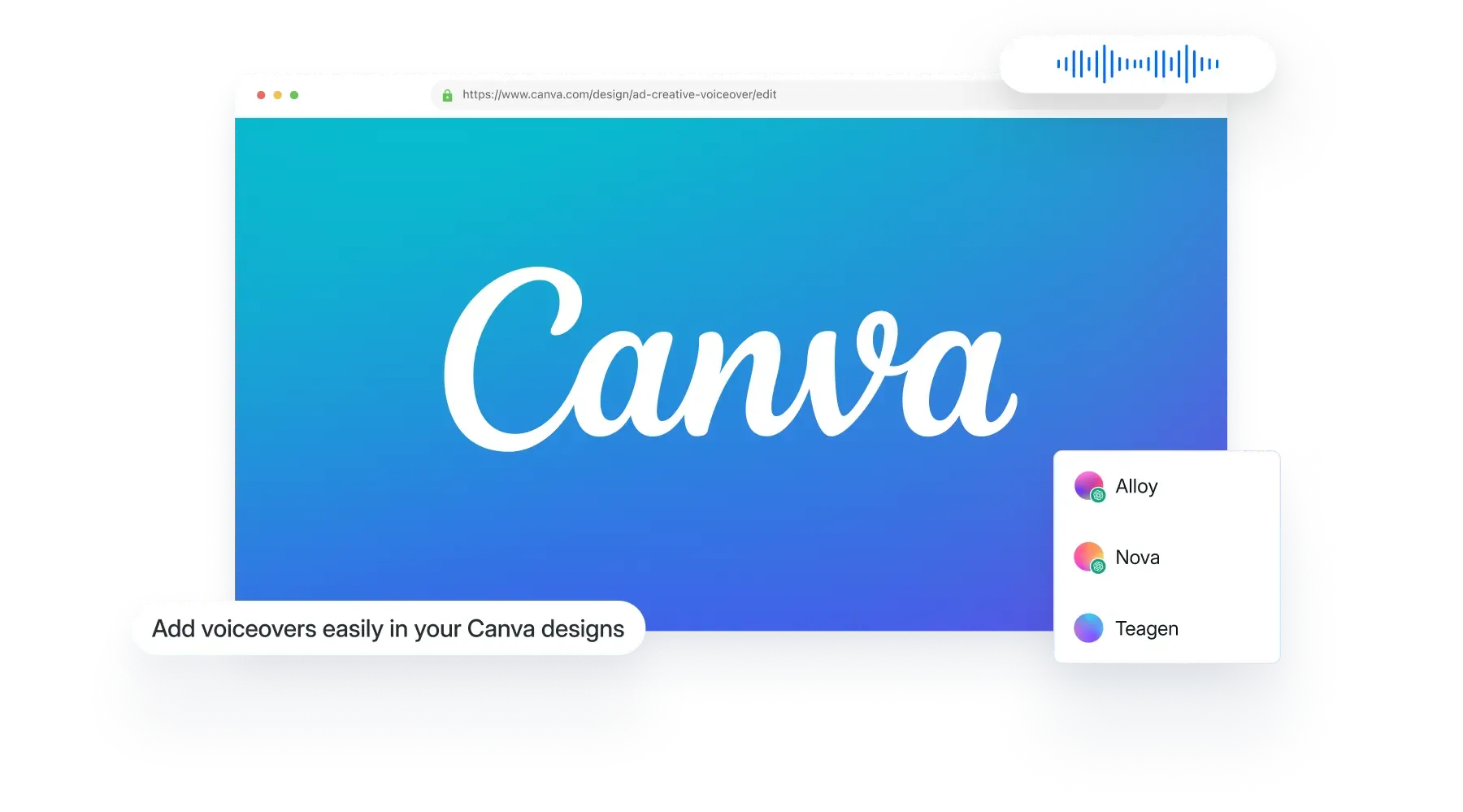
Learn step by step how to add text to speech to Canva videos to create engaging and professional video.- Install Audeus for Canva
- Add or paste your text
- Choose a voice & language
- Generate the voiceovers
- Listen and add the AI Voiceovers in Canva

Arden
English • American
Linen
English • American
Try it out
Sage
English • American
Sandalwood
English • British
Quillan
English • American
Natural AI Voices
Lifelike voices to keep you in flow
Bring your reading to life with natural, engaging voices- Create high quality professional voiceovers within Canva instantly
- Easy to use interface right within your Canva project
- Multilingual voices that will allow you to scale
- Increase engagement by having your content on multiple platforms
- Double your business growth with your message turned into engaging audio & video
- Use the same AI voiceover technology used by OpenAI
Frequently asked questions
How do I access Audeus Text to Speech within Canva?
First login to your Canva account and Audeus account, and once you are logged in, find the Audeus Text to Speech App on Canva to get started.
Can I use Audeus Pro voices on Canva?
Yes, being an Audeus Pro member gives you access to all the voices in the Audeus App on Canva. You can use these to add voiceovers in your Canva videos and presentations.
Is Audeus available on both the web and mobile versions of Canva?
Yes, the Audeus app on Canva is available for both the web and mobile versions of Canva.
What types of content can I create with Audeus on Canva?
You can create professional engaging voiceovers, presentations, and all types of other content to help grow your business and get your message out there. You can use this to narrate a written blog post, produce the audio in many languages, and much more.
Is it possible to use Audeus for both new and existing Canva designs?
Yes, you can use Audeus App within Canva for both new and existing Canva designs.
What languages and accents are available for Audeus voices on Canva?
There are many supported voices available, these voices are powered using OpenAI which includes the following supported languages: English, Chinese, Hindi, Spanish, French, Arabic, Russian, Portuguese, Indonesian, Urdu, German, Japanese, Marathi, Turkish, Korean, Italian, Vietnamese, Tamil, Persian, Polish, Thai, Ukrainian, Dutch, Romanian, Tagalog, Greek, Czech, Swedish, Belarusian, Serbian, Hungarian, Danish, Finnish, Slovak, Bulgarian, Croatian, Azerbaijani, Hebrew, Norwegian, Kazakh, Kannada, Catalan, Malay, Nepali, Afrikaans, Armenian, Lithuanian, Galician, Latvian, Swahili, Slovenian, Estonian, Bosnian, Macedonian, Welsh, Icelandic, and Maori.
Start creating your voiceovers today
Get started for free today →
Get Started In Less Than 60 Seconds • Cancel Anytime