Read Word documents Aloud
Reviewing long contracts, essays, and reports can be exhausting. The Audeus Word Reader allows you to upload Microsoft Word documents (DOCX, DOC) and have them read aloud with ultra-realistic AI voices, helping you proofread and review your work twice as fast.
How to Upload and Read Word Documents
Adding your files to the digital library takes just seconds:
- Ensure your file is saved in the standard DOCX or DOC format.
- Log into the Audeus Web Reader or open the mobile app.
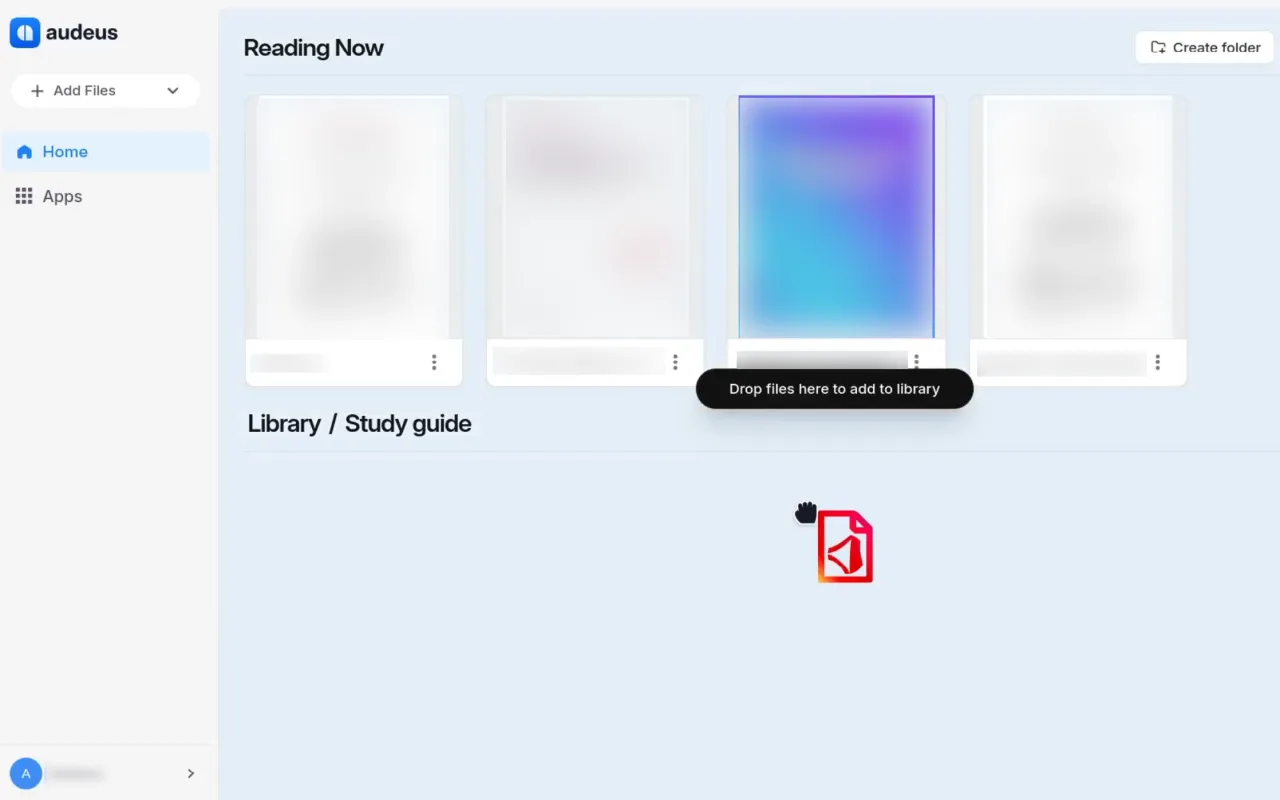
- Drag and drop the Word file directly into the browser window, or click the Add Document button to select a file from your computer.
- The file will open automatically as a clean text document. Click the Play button to start listening.
How to Proofread Word Documents While Listening
Listening to your own writing read aloud is the single best way to catch grammatical errors, awkward phrasing, and run-on sentences.
When you listen to your Word document with Audeus, the synchronized visual highlight keeps your eyes focused on the words as the AI voice speaks. Hearing the text aloud forces your brain to process the document differently, making typos instantly obvious before you submit your final draft.
Frequently Asked Questions
Will uploading my Word document alter the original file?
Your original file is completely safe! Audeus creates a separate cloud-based copy of the text for you to listen to. Any text size adjustments or theme changes you make in Audeus will not affect your original DOCX file saved on your computer.
Can I interact with the Word document while it reads?
Yes, absolutely! You can pause the audio, use the pen tool to draw, highlight important passages, or interact with your DOCX file to pull out summaries and key points.
Can I listen to Word documents on the go using the mobile app?
Yes, absolutely! Once you add a Word document to your library, it automatically syncs across all your devices. You can open the Audeus app on your iPhone or Android device, find your document in your library, and listen to it anywhere, even offline.
What kinds of Word files does Audeus support?
Audeus supports standard DOCX and DOC files. If you have a document saved in a different format, you can easily save it as a DOCX in Microsoft Word or any other word processor before adding it to Audeus.
Does Audeus read headers, footers, and page numbers?
Audeus is designed to keep your reading smooth and uninterrupted. The voice reader automatically skips visual clutter like page numbers, headers, and footers so you can focus entirely on the main text of your document.
Still need help?
Contact Support